
Make Course Announcements
Created On September 01, 2023
Last Updated On September 01, 2023
The "Announcements" forum (formerly known as the "News" forum) is a special forum for general course announcements. A course may only have one announcements forum. Only teachers in the course may post to the forum.
How students are notified about your announcement may vary depending on your Moodle set-up. Students might be alerted by your post by an unread post notice on the announcements forum or in the latest news block (if added to your course). Announcements are also automatically emailed to students.
STEPS
MAKE COURSE ANNOUCEMENTS
- Open the "Announcements" forum. It should be listed at the top of your main course page.
- Click Add a new topic.

- Add a "Subject" and a "Message" for your new announcement
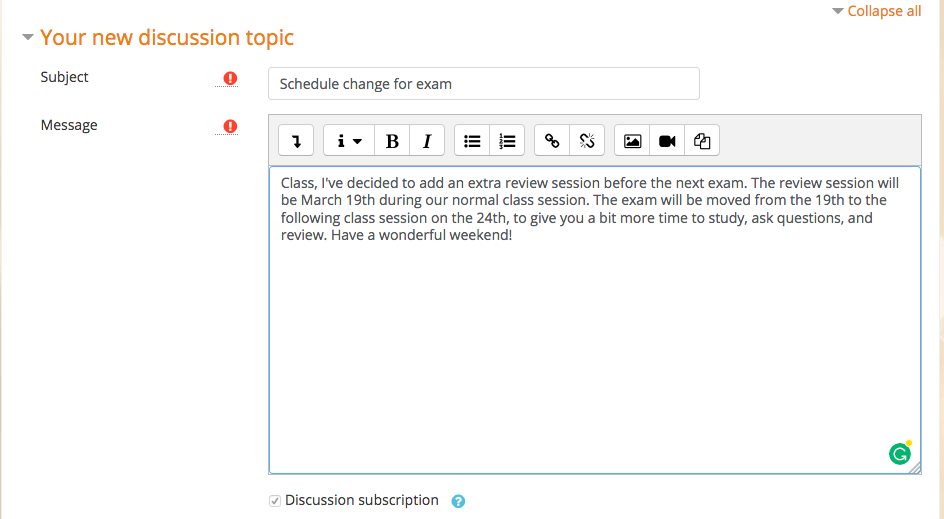
- Below the message, you can optionally:
- Add an attachment
- Pin this discussion to the top of the forum
- Opt out of the 5-minute grace period in which you can edit the post before notifications are sent
- When you're ready, click Post to forum
arrow_right_alt
Go back all guides