
Pin a Thread to the Top of a Discussion Forum
Created On September 04, 2023
Last Updated On September 04, 2023
Instructors may pin threads to the top of a discussion forum. Use this feature to highlight discussion guidelines, important information, or overall feedback/summaries of discussion forums. Note that students cannot pin discussions.
STEPS
PIN A THREAD TO THE TOP OF A DISCUSSION FORUM
- Go to the forum you want to pin discussions in.
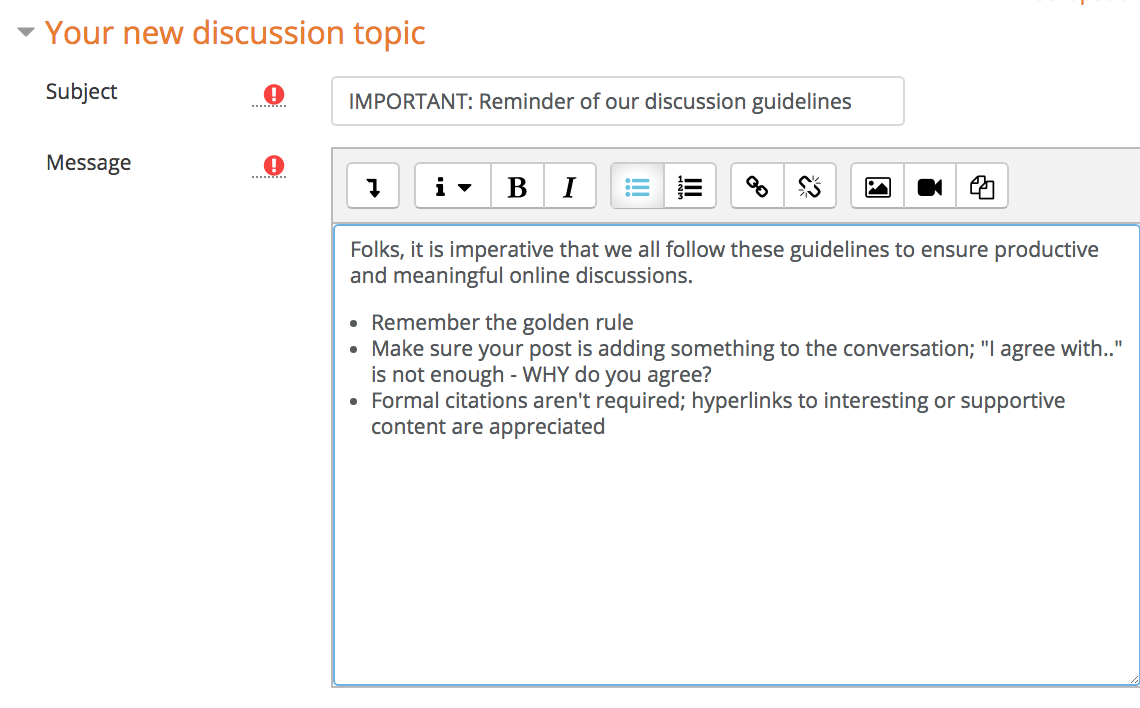
- Compose a new post or edit an existing one.
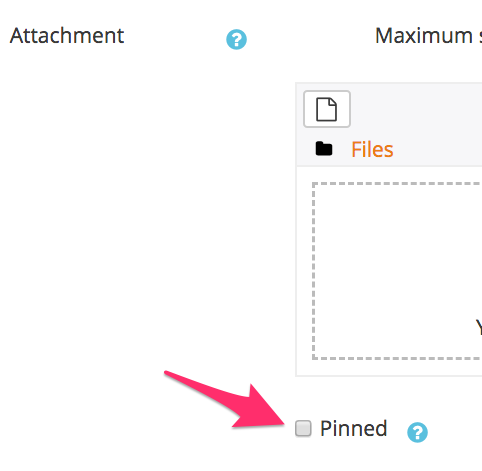
- Check the Pinned checkbox.
- Click Save..
- The post is now pinned to the top of the forum. You can unpin it at any time by unchecking the pinned checkbox.
FAQs
Can I pin more than one discussion to the top of a thread?
Yes, you can pin multiple discussions.
arrow_right_alt
Go back all guides