
Subscribe or Unsubscribe from Forum Notifications
Created On September 04, 2023
Last Updated On September 04, 2023
If a discussion forum is using Optional subscription mode, students can choose whether or not to subscribe to email notifications of new posts or replies.
STEPS
SUBSCRIBE OR UNSUBSCRIBE FROM FORUM
- Open the forum you want to change notifications in.
- To subscribe or unsubscribe from the entire forum, choose the relevant option from the "Subscription mode" drop-down in the "Forum administration" menu. Note the screenshot below is from a student perspective. Teachers will have additional options to modify the overall subscription mode.
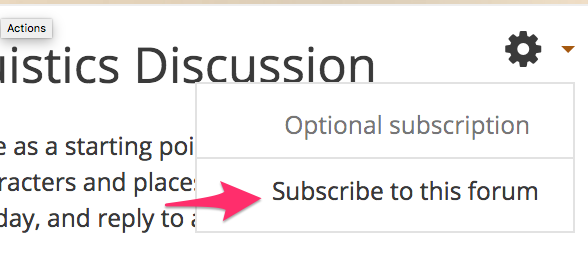
- After selecting your subscription mode, you should see a message detailing any changes that have been made.

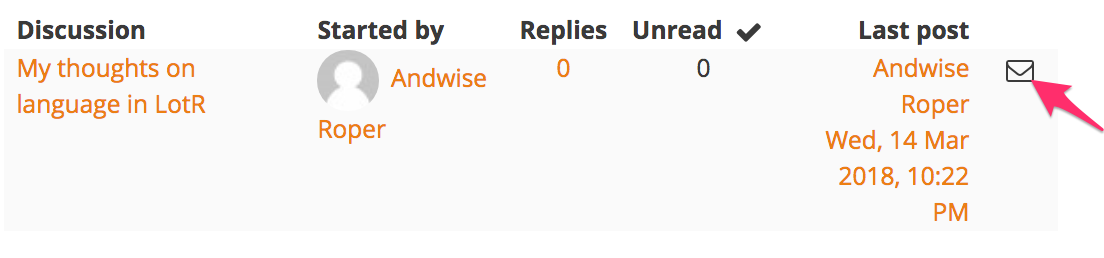
- To subscribe or unsubscribe from individual discussion threads, click the subscribe icon next to the thread (in most Moodle sites it looks like an envelope).
arrow_right_alt
Go back all guides